
Campaign Groups
Campaign grouping, priority, and weights.
In this tab, you can manage campaign priority and combine campaigns into groups, for example by GEO. Campaign activity, caps, and working hours are also displayed here.
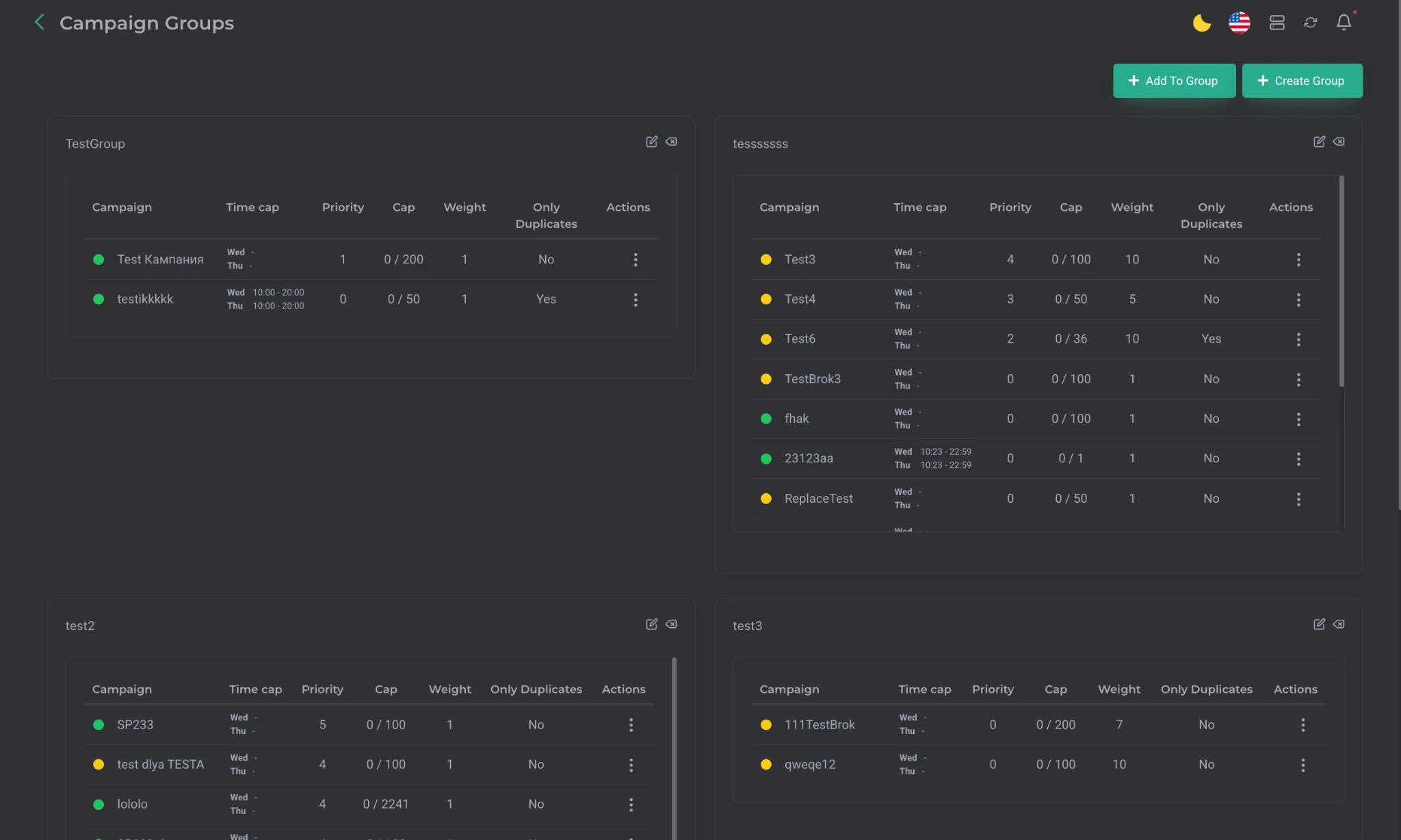
An important feature of this section is configuring campaigns that will only receive duplicate leads. This lets you preserve traffic in cases where the CPL cap is already fully filled but the CPA cap is still available to accept duplicates.
This section provides two campaign priority mechanisms:
| Parameter | Description |
|---|---|
| Priority | a strict priority parameter. The higher the value, the higher the campaign's priority. If one campaign has even one point higher priority than another, the main lead flow will be directed to it. The other campaigns will receive leads only in case of duplicates or after the main campaign's cap is filled. |
| Weight | a parameter that affects the number of leads through a multiplier. For example, if two campaigns have the same priority but one has Weight 2, it will receive 2 leads instead of 1. |
Important: with equal priority and equal weight, the system uses percentage-based traffic distribution across caps for even filling.
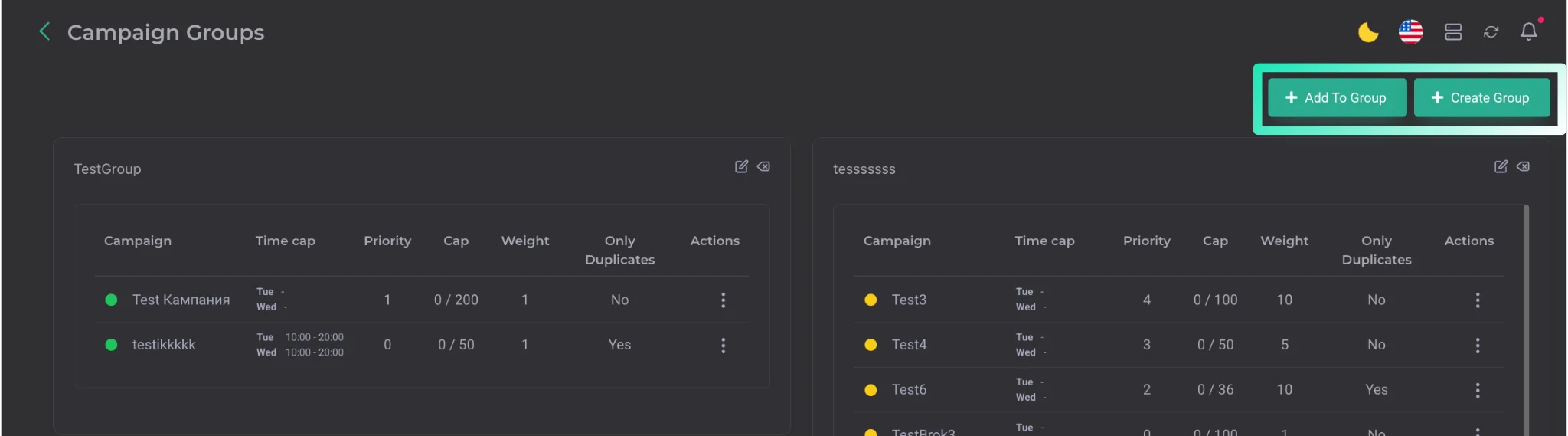
These buttons are used to add a campaign to an existing group and to create a new campaign group.
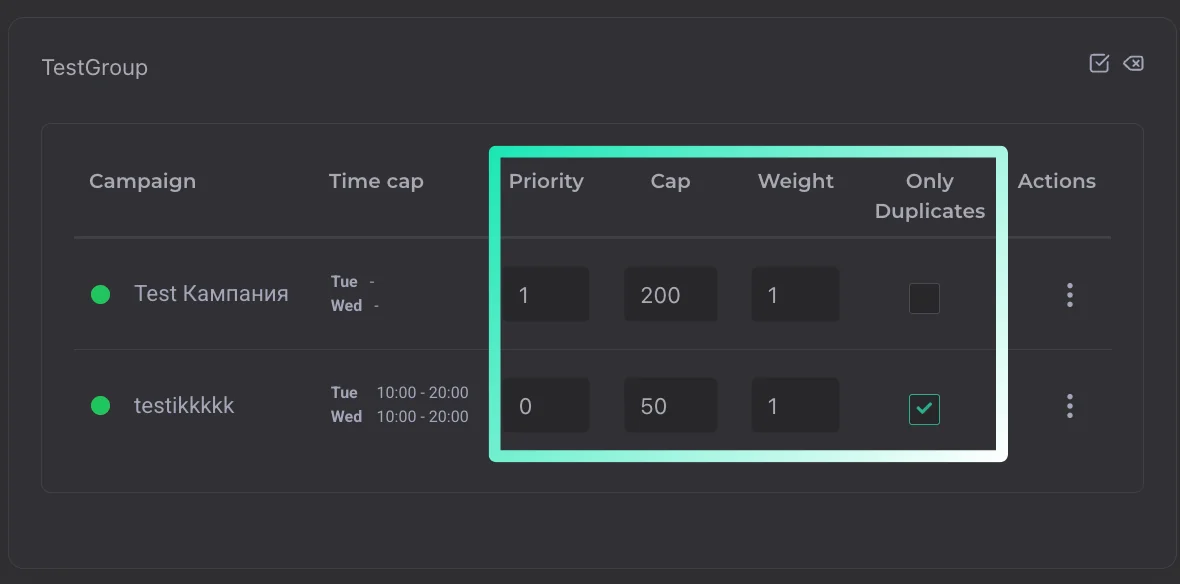
The section also has a group editing button. It's used for quickly changing:
- priority;
- cap;
- weight;
- the setting for sending only duplicates to the campaign.