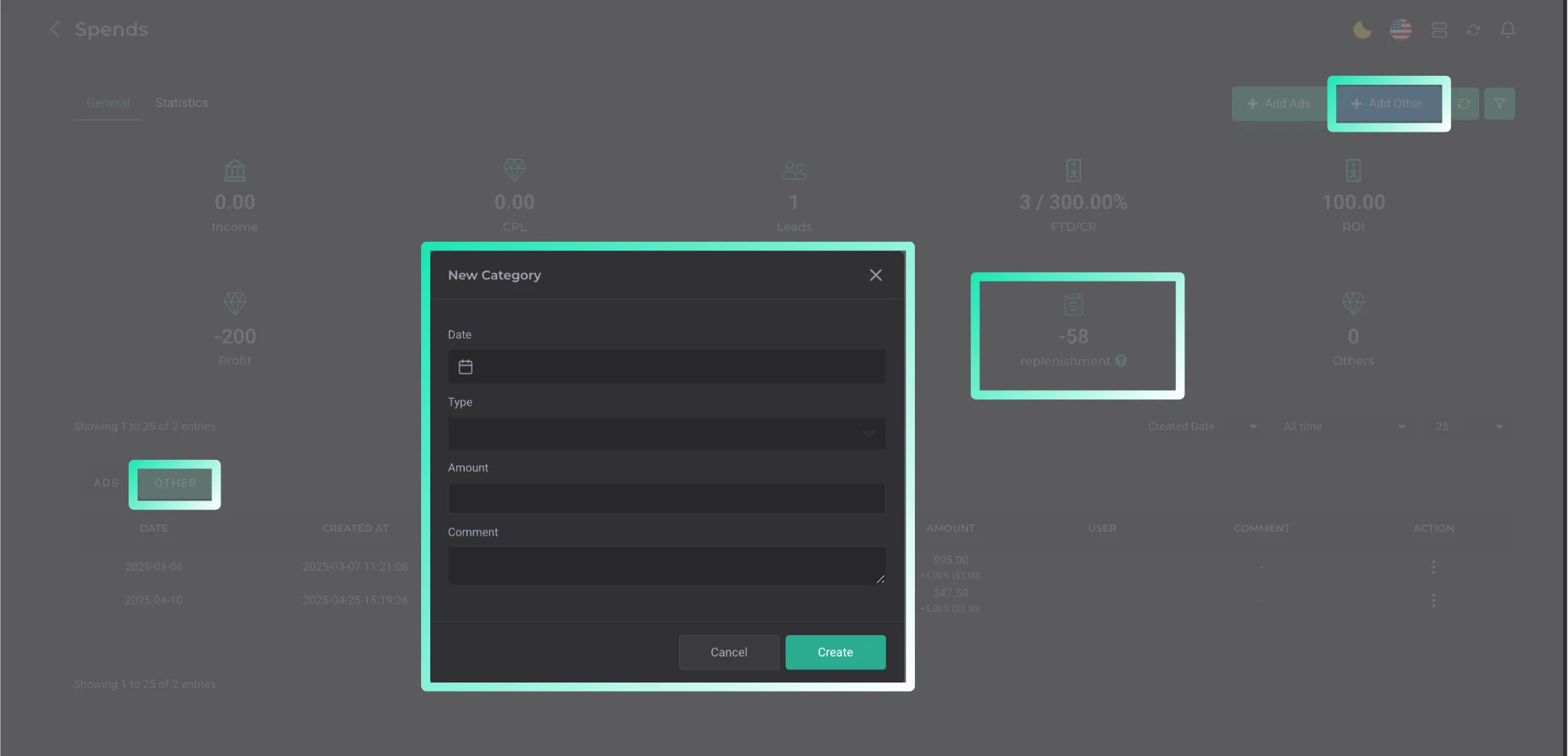
Spendings
Entering and distributing advertising expenses.
To enter advertising expenses, go to Finance → Spendings → Add Ads.
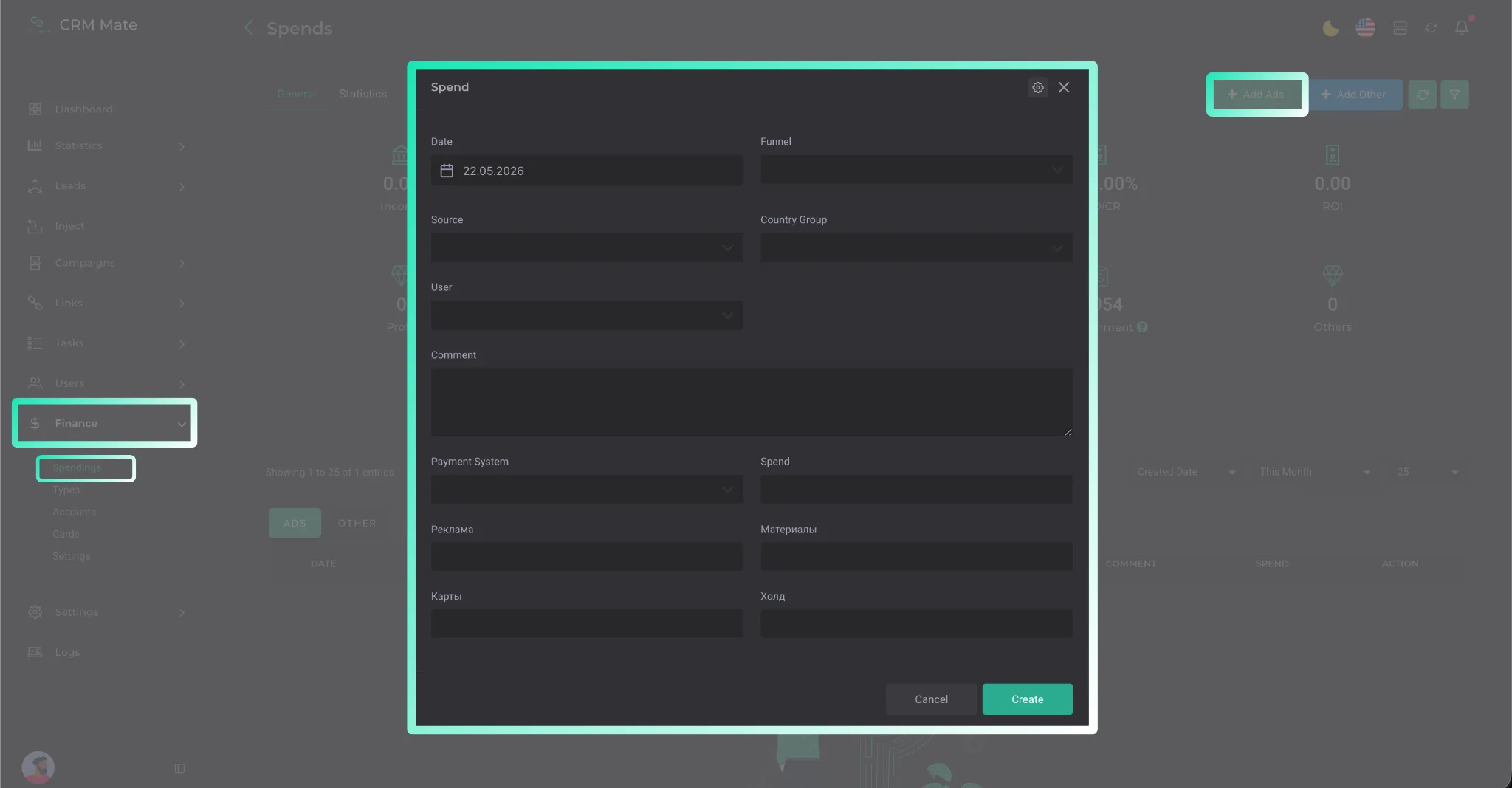
After clicking the button, a window opens where you need to do the following:
- Specify the date when the expense was incurred;
- Enter data for distributing the amount across Funnel, Source, Country Group, and User parameters;
- In the Payment System field, select the payment system used;
- In the Spend field, specify the total expense amount; The system supports classifying expenses into several preset groups. If you need specific categories, you can add them at any time through the Types section.
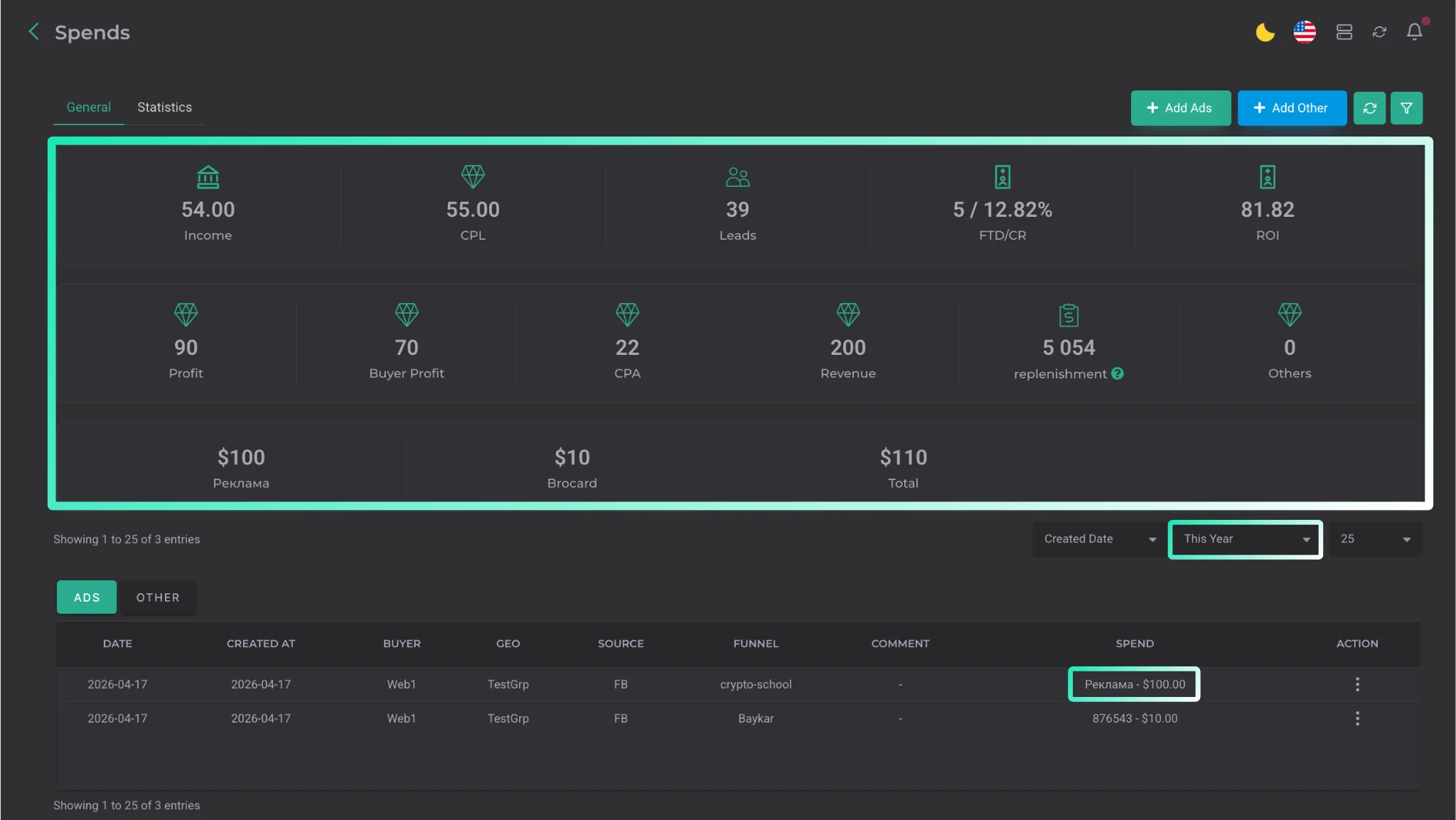
After entering the data, your expense is immediately reflected in the system. This lets you view detailed statistics for each expense at any time and calculate the actual profitability of your work.
The Finance section also offers the following tools:
| Parameter | Description |
|---|---|
| Add Other | adding a balance. |
| Accounts | monitoring expenses by specific accounts. |
| Cards | uploading a list of cards and linking them to accounts. |