
Deposit Approve
Approving and declining lead deposits.
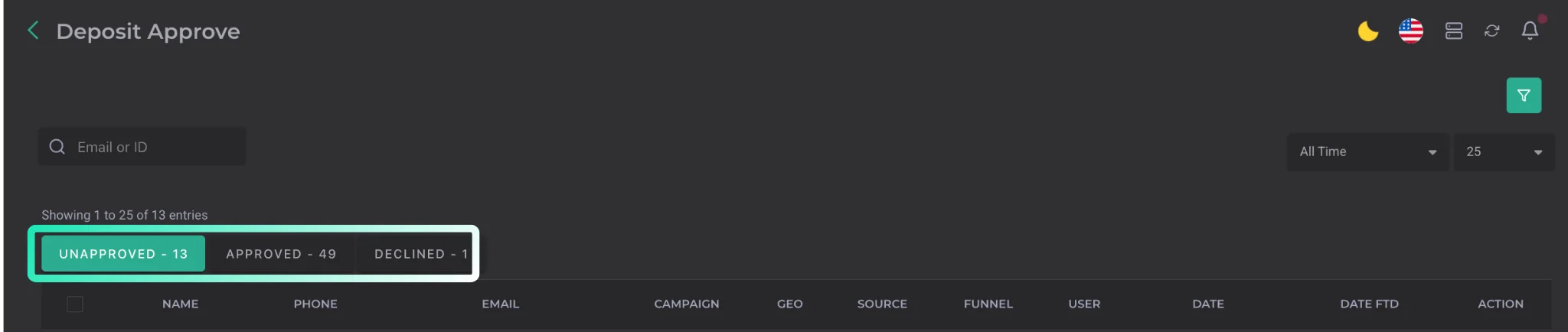
This section handles deposit approval for leads belonging to users who have the CRM → Approve Deposits feature enabled.
The following categories are available:
| Parameter | Description |
|---|---|
| Unapproved | leads awaiting deposit approval land here |
| Approved | leads with an approved deposit move here |
| Declined | leads whose deposit approval was declined land here. |
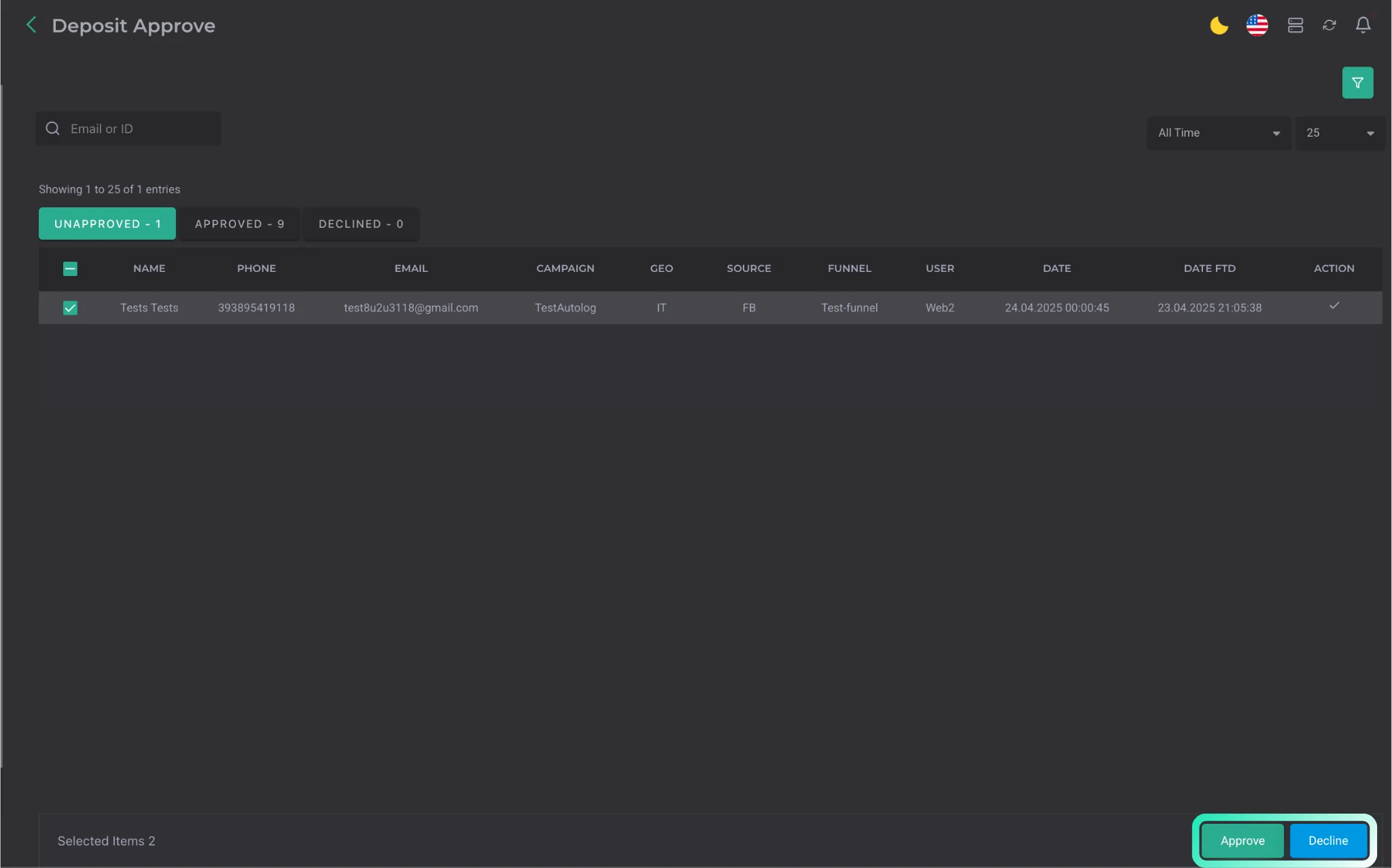
Approving or declining a deposit is performed after selecting a specific lead at the bottom of the page.
Filters by campaigns and their main parameters are also available.
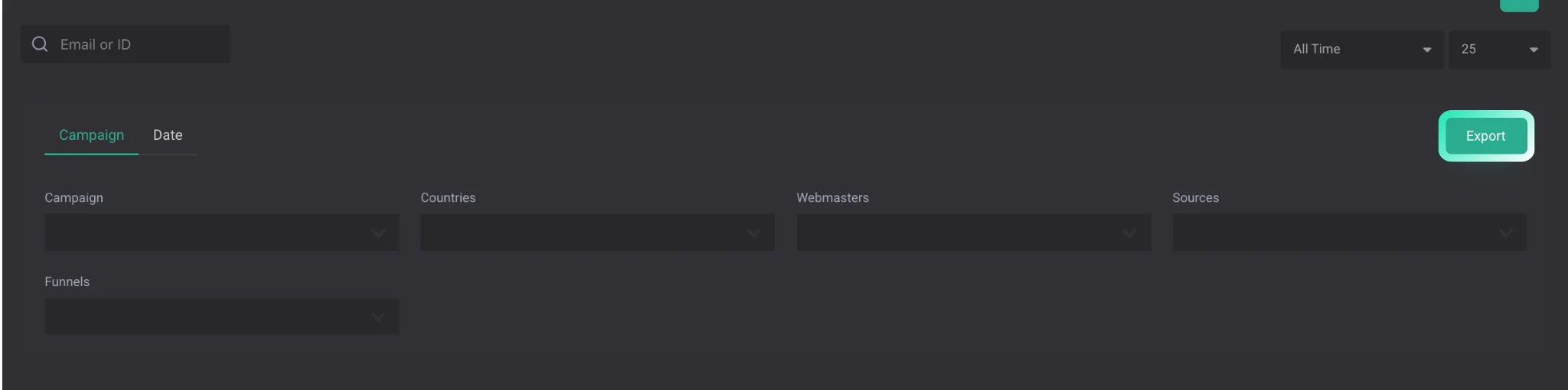
Leads selected through filters can be exported using the Export button.
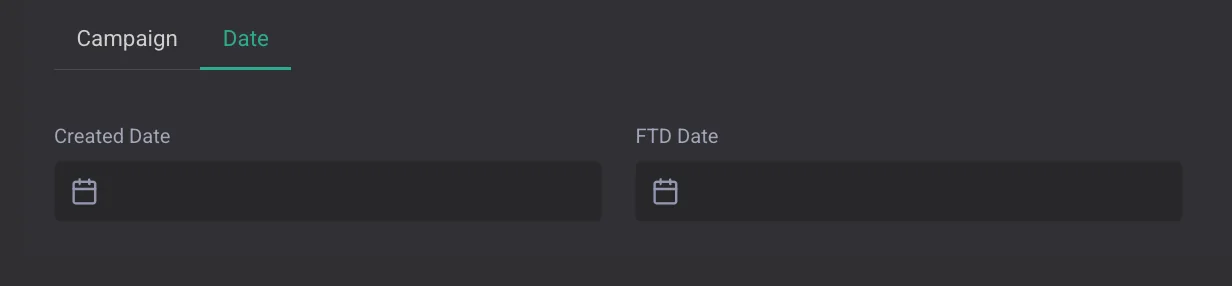
A separate filter is available by lead creation date and FTD date.
How a lead becomes a deposit
A lead is counted as a deposit in two cases:
-
By the broker's deposit flag. The default way — the broker or integration sends a signal with a dedicated deposit parameter (for example,
deposit=true), and the lead is placed into Unapproved right away. -
By lead status. In addition, a lead is treated as a deposit when its current status is on the Deposit Statuses list in Settings → Statuses → Status types. This is handy when the broker doesn't send a separate deposit flag but always moves the lead into a specific status (for example,
Deposited,FTD,Funded) — add those statuses to the list once and such leads will automatically appear in Deposit Approve.
Both ways work in parallel: whichever one happens first triggers the deposit.
Previous lead status
As soon as a lead is counted as a deposit (via either of the two ways), CRM stores and displays to the webmaster and buyer the previous lead status — the one the lead had immediately before it was counted as a deposit. This makes it easy to see which funnel step produced the deposit and to interpret the statistics for your own leads correctly.