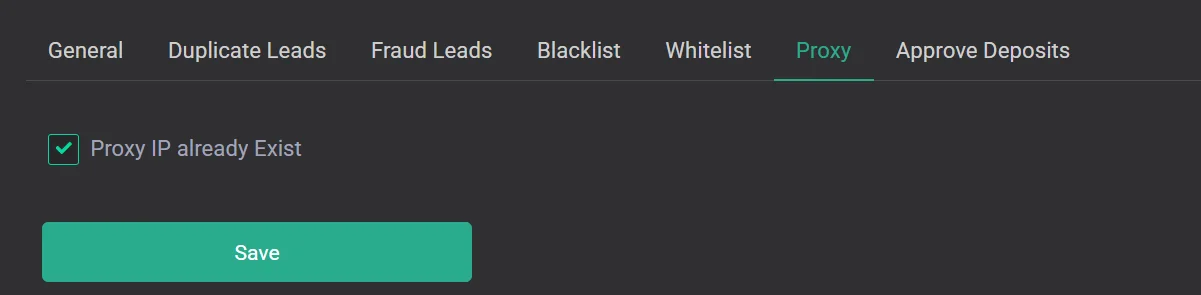
Proxy
Configure the delay between requests through the same proxy.
This setting is enabled by default.
CRM Mate uses a proxy for auto-login. Since one link is most often used per one GEO with IP rotation per link, when leads are sent quickly there is a chance that the IP address will not have time to change. Therefore, this setting adds a 2-minute pause during which a lead cannot be resent through the same proxy. This is done primarily for stable auto-login operation and to account for proxy service limits.
Disabling this feature removes the 2-minute pause. It is recommended to disable it only if you understand how this feature works.