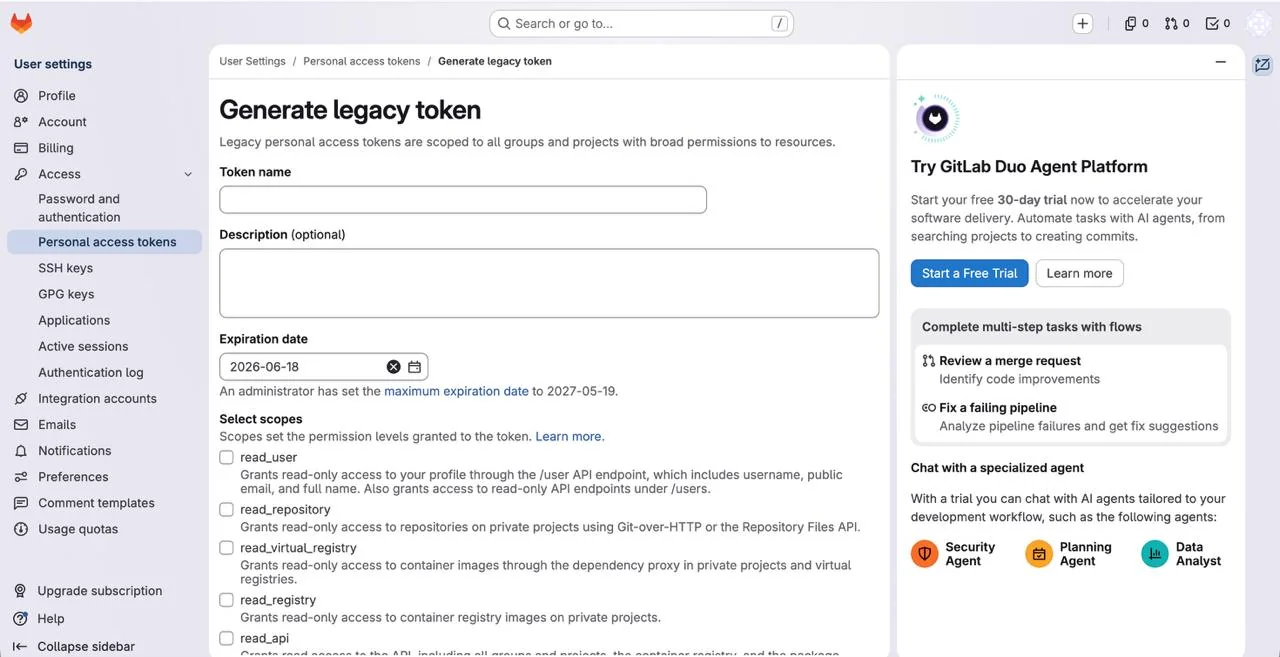
Gitlab
Connect Gitlab to run landings inside the CRM.
Connecting Gitlab is required for the CRM's built-in tracker and for running landings inside the system. Only a token is needed to connect.
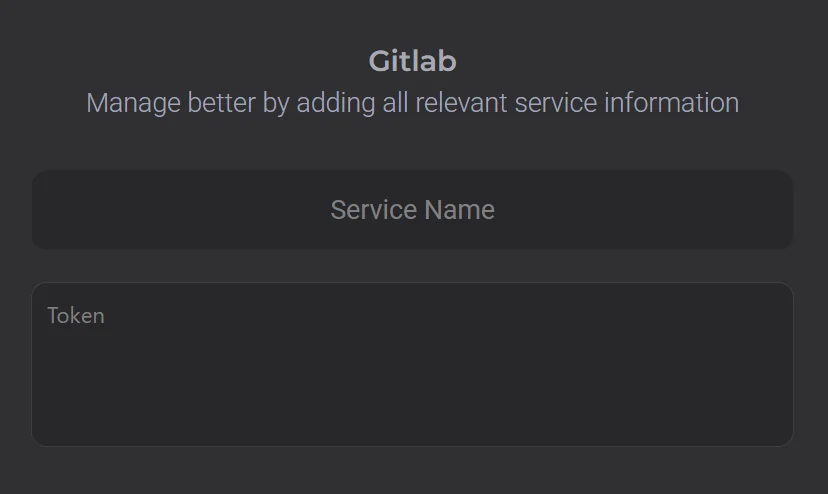
To obtain the token:
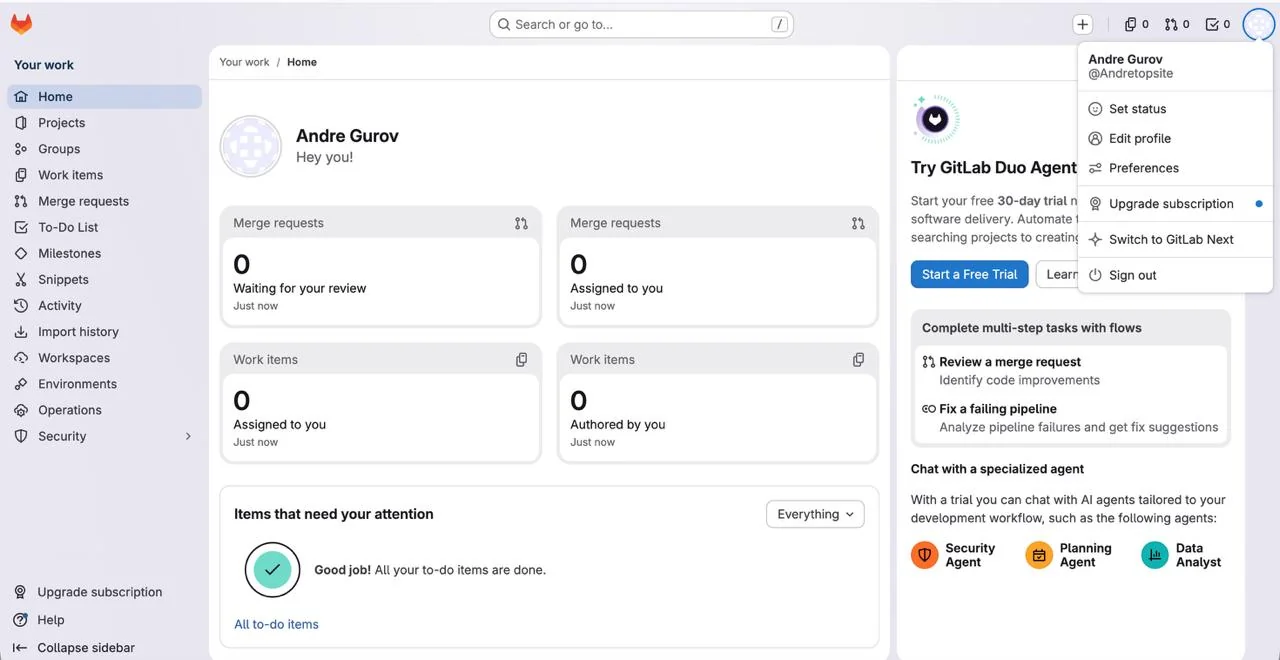
1. Open your Gitlab profile.
2. Click the profile icon in the top right corner.
3. Go to Edit Profile.
4. In the left menu, open: Access → Personal Access Token.
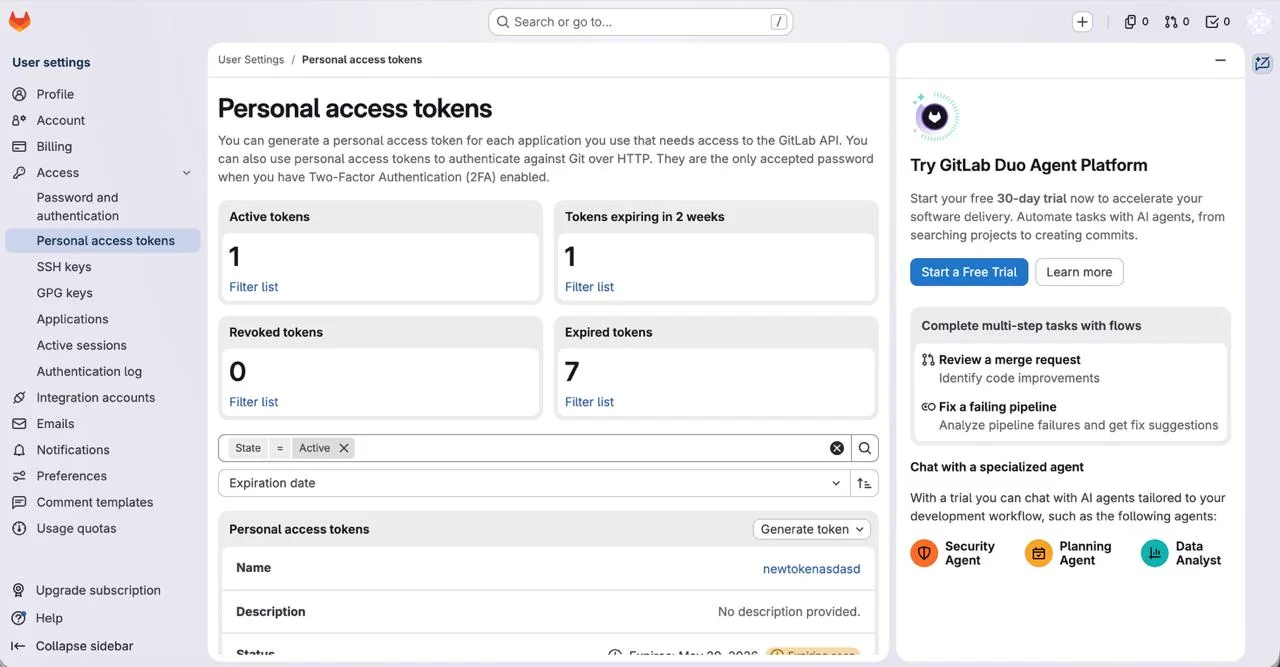
- Click Generate Token, enter any name, check all boxes in the Select Scopes section, and create the token.