
Servers
Connecting servers for the Links service (landings).
For the Links service to work fully inside the CRM, you need to connect your servers. Landings will be hosted on them.
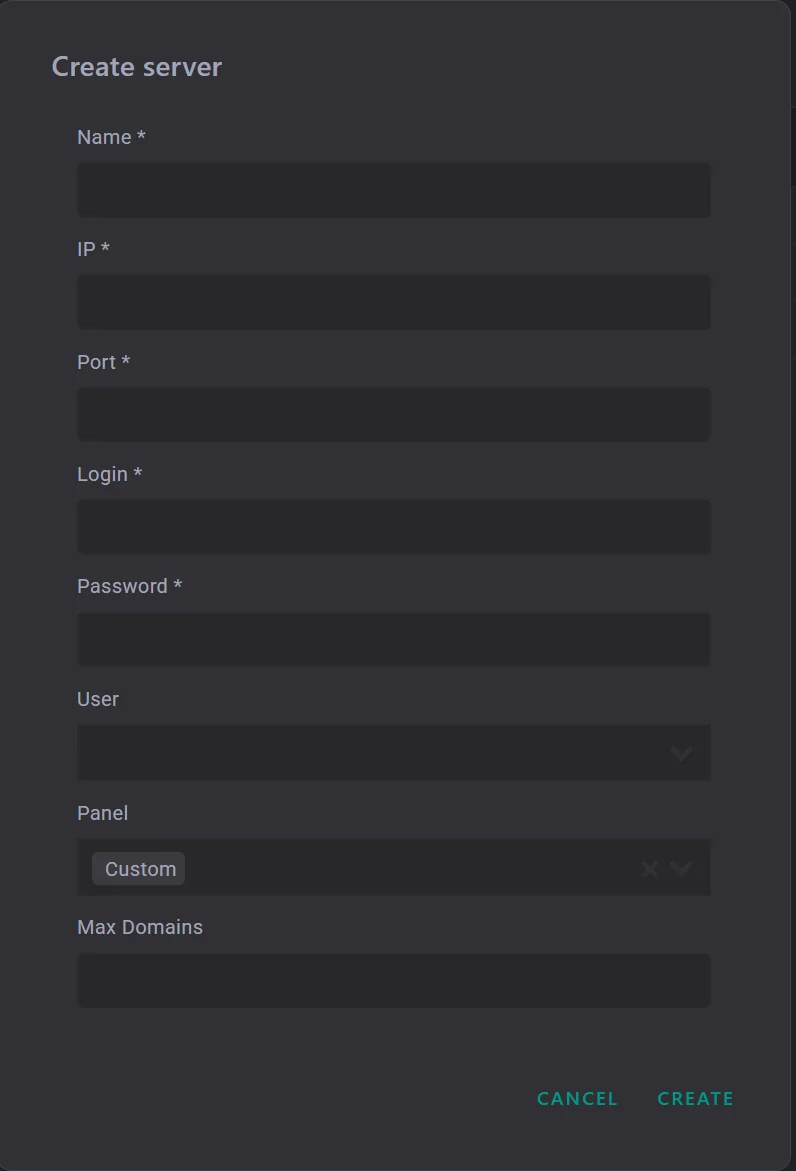
First, you need to select the server type. Two options are currently available:
- Keitaro;
- Custom.
Custom is a dedicated server used directly for landings inside CRM Mate. This server will be used when creating links in the CRM. To connect it, fill out all fields and click the Create button. After that, the CRM automatically installs all necessary functionality on the server. Technical recommendation: it is recommended to use Ubuntu version 24 or higher.
Keitaro is a Keitaro tracker server. Connecting such a server lets you purchase domains directly into the tracker and use its server for operation. For full functionality, you also need to add Keitaro in: Settings → Services → Keitaro.
The Name field can be filled out with any convenient name. It is used for convenience when selecting a server later on.