
Sources
Traffic sources, Buying, Generate Email, and Autologin settings.
This section presents all your sources. This list is used in all fields where a source can be selected. You can also add a new source here using the corresponding button.
When adding or editing a source, the following settings are available:
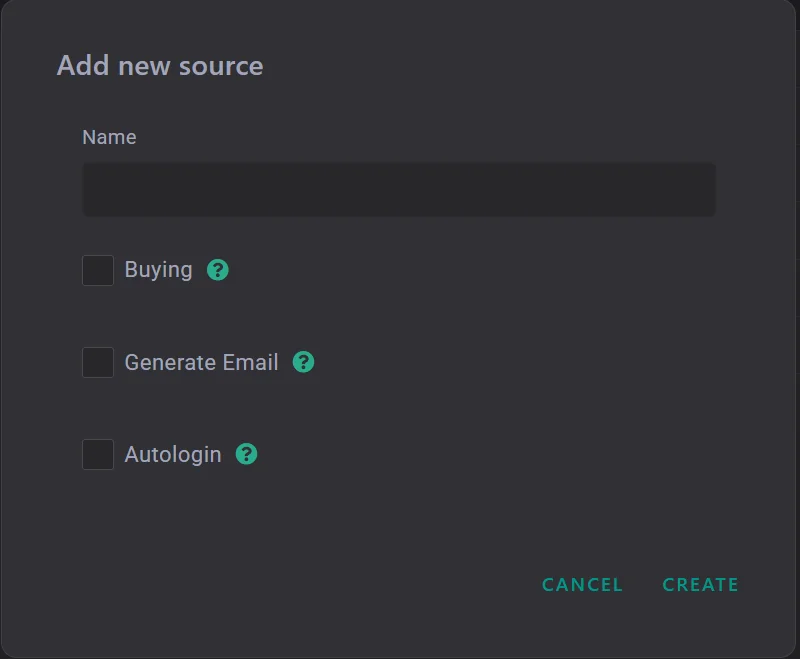
| Parameter | Description |
|---|---|
| Buying | display the source in buying statistics. The statistics section has two tabs: "Buying" and "Network". To have the source displayed specifically in the "Buying" tab, enable this setting. |
| Generate Email | generate a new email for this source. In this case, the old email is saved in the email2 field, and the new one is sent to the broker. |
| Autologin | if the setting is enabled and proxies are added, all leads automatically go through autologin. If proxies are not added, leads are not sent to the brand and the system returns an error. |