
Leads Import
Importing leads, statuses, and comments from a file.
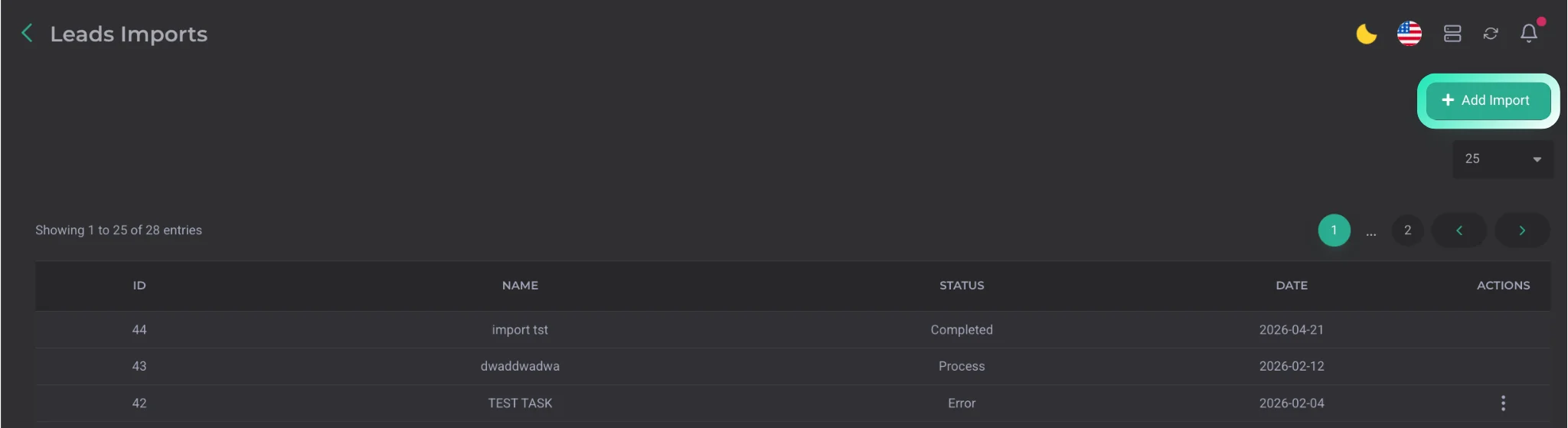
This section handles importing leads into the CRM using the Add Import button. It also displays a list of all lead files that have been imported previously.
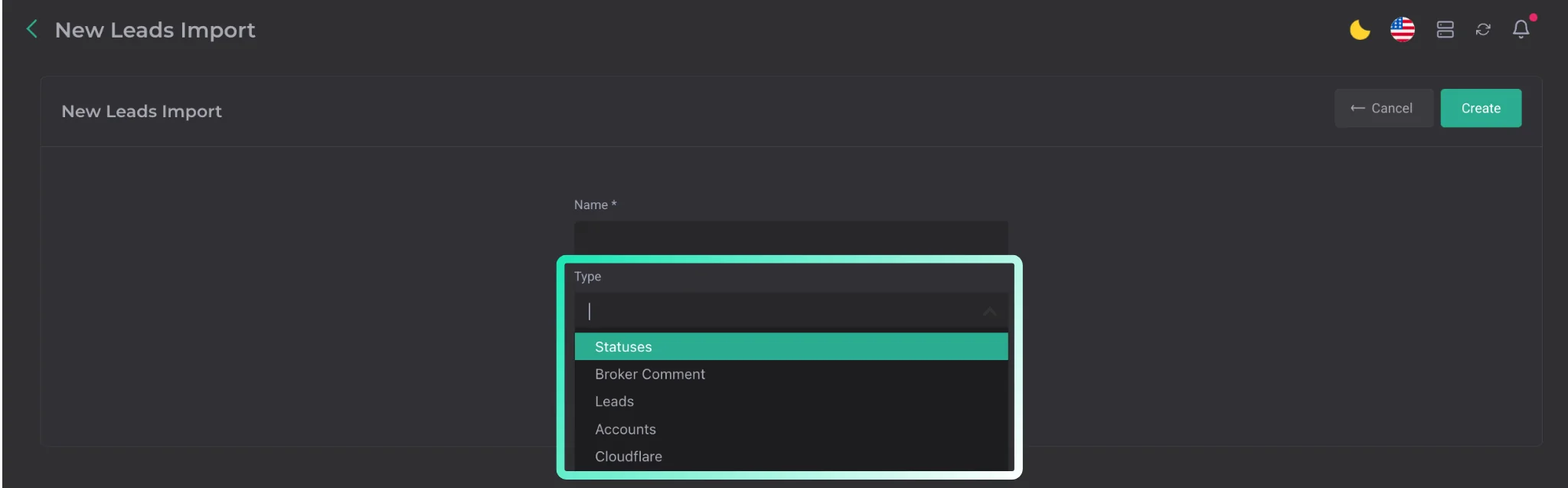
During import, you need to select the import type. Several options are available:
- lead import;
- status import;
- broker comment import;
- account import;
- Cloudflare data import. Required fields in the file:
- phone
- full name
It is also important that the file be in .xlsx format.

After uploading the file, you can run the lead import: open the corresponding import and start the process inside it.