Landings
Create and configure landings, prelandings, white pages and cloaking.
In this section, you can create and configure landings. The Add Landing button is used for this.
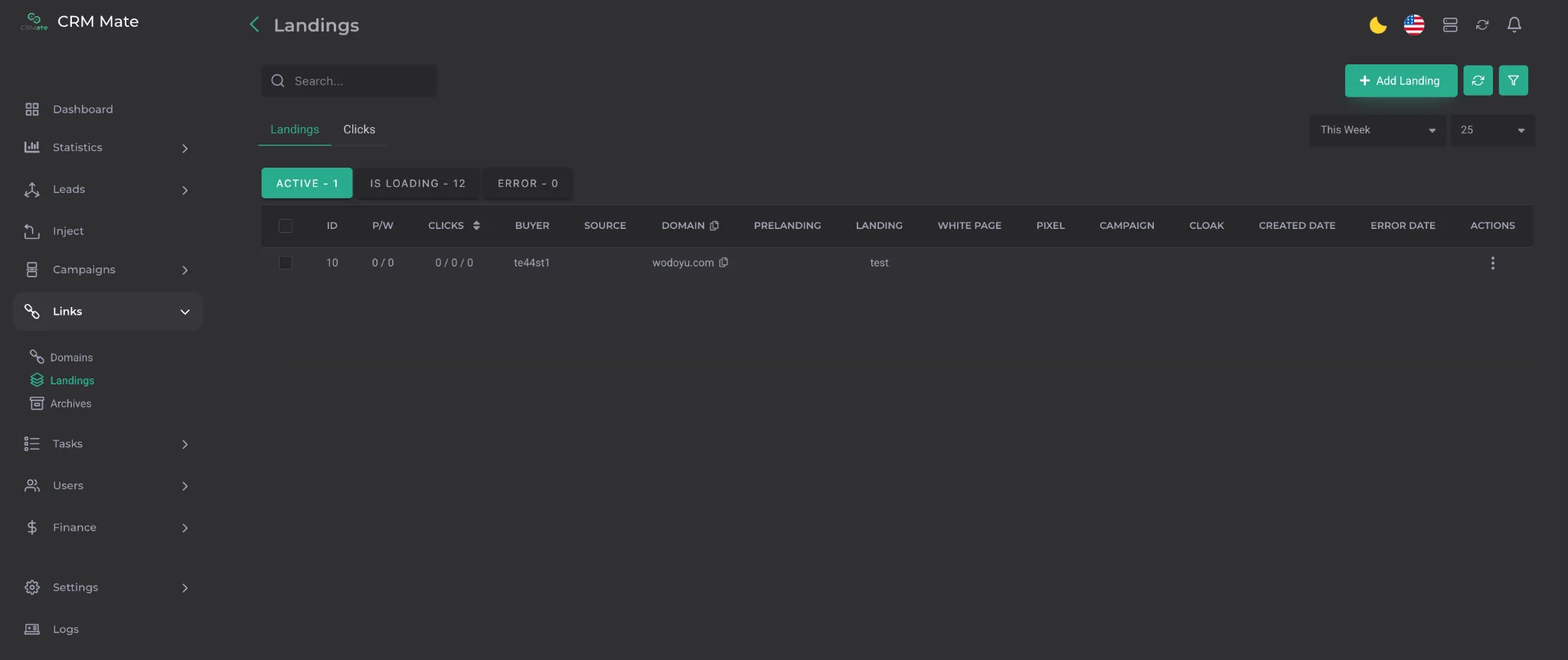
At the top of the page, there are also buttons for updating data, filters, settings for the number of landings displayed per page, and a time range selection for displaying landings.
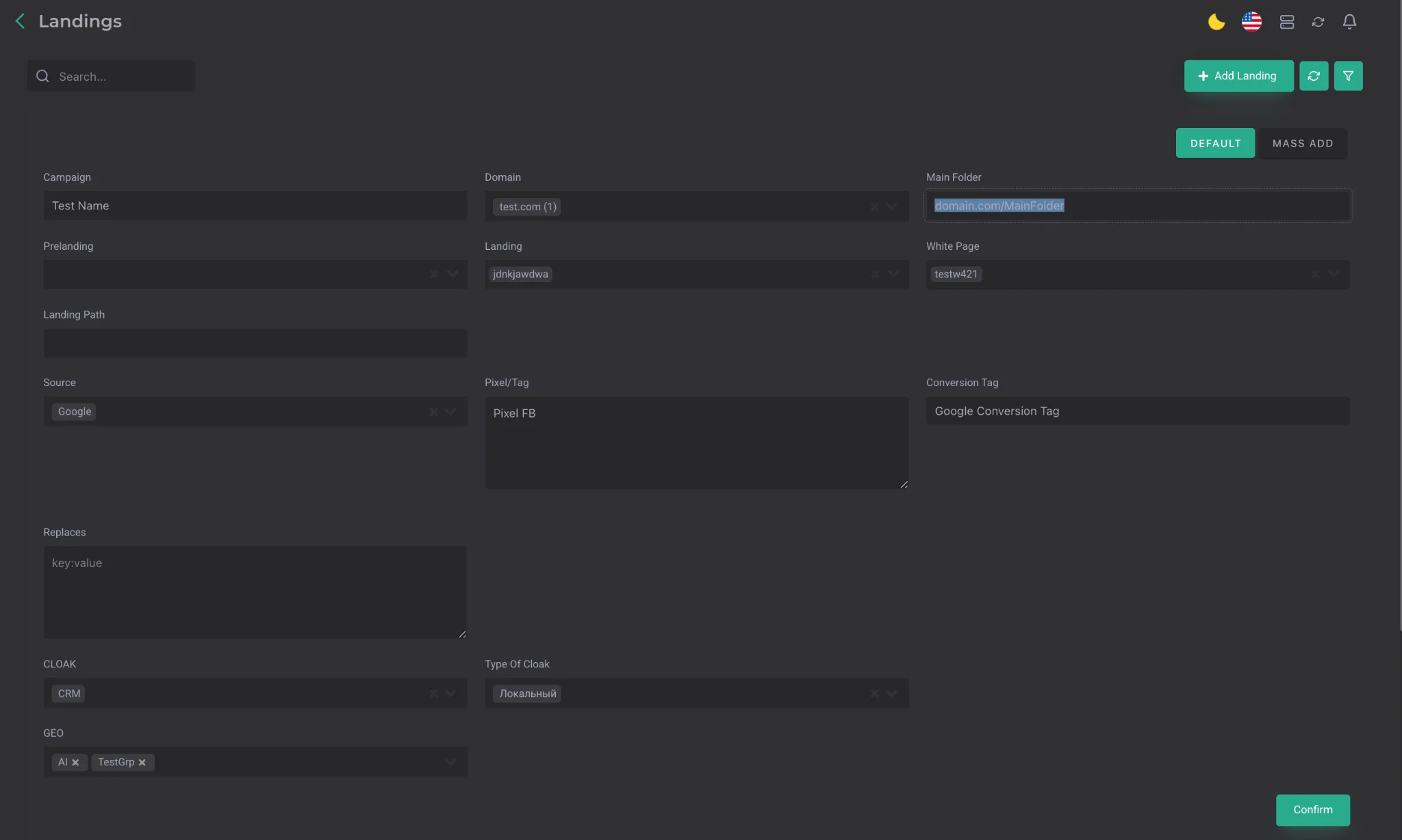
After opening the landing creation menu, the following parameters are available:
- Campaign — an arbitrary campaign name;
- Domain — the domain to which the landing will be assigned;
- Main Folder — the part of the address after the “/” symbol. For example: domain.com/MainFolder;
- Prelanding — the prelanding archive;
- Landing — the landing archive;
- White Page — the white page archive. A White Page, Landing, or Prelanding can be added in the Archives section;
- Source — the traffic source. Two additional settings are available for this parameter:
- Pixel/Tag — setting a pixel for the Facebook source;
- Conversion Tag — setting a conversion tag for the Google source;
- Cloak — selection of a cloak from the list of available ones. The cloak is used to bypass moderation on advertising platforms. The GEOs selected in the landing settings directly affect what the user will see: the landing or the white page. MagicChecker, HideClick, Paladium, or Adspect can be added in the settings;
- Type of cloak — the “Local” value must be selected;
- GEO — selection of a country or group of countries for the cloak. For the selected GEOs, the black page will be shown; for all others, the white page will be shown. This is not the only parameter by which the cloak works, but it is the only one that can be configured manually. Therefore, before selecting it, it is recommended to check the composition of the country group to make sure which GEOs are included in it. If any changes have been made to the landing or domain, the landing must then be updated using the Update button in the settings of the already created landing.
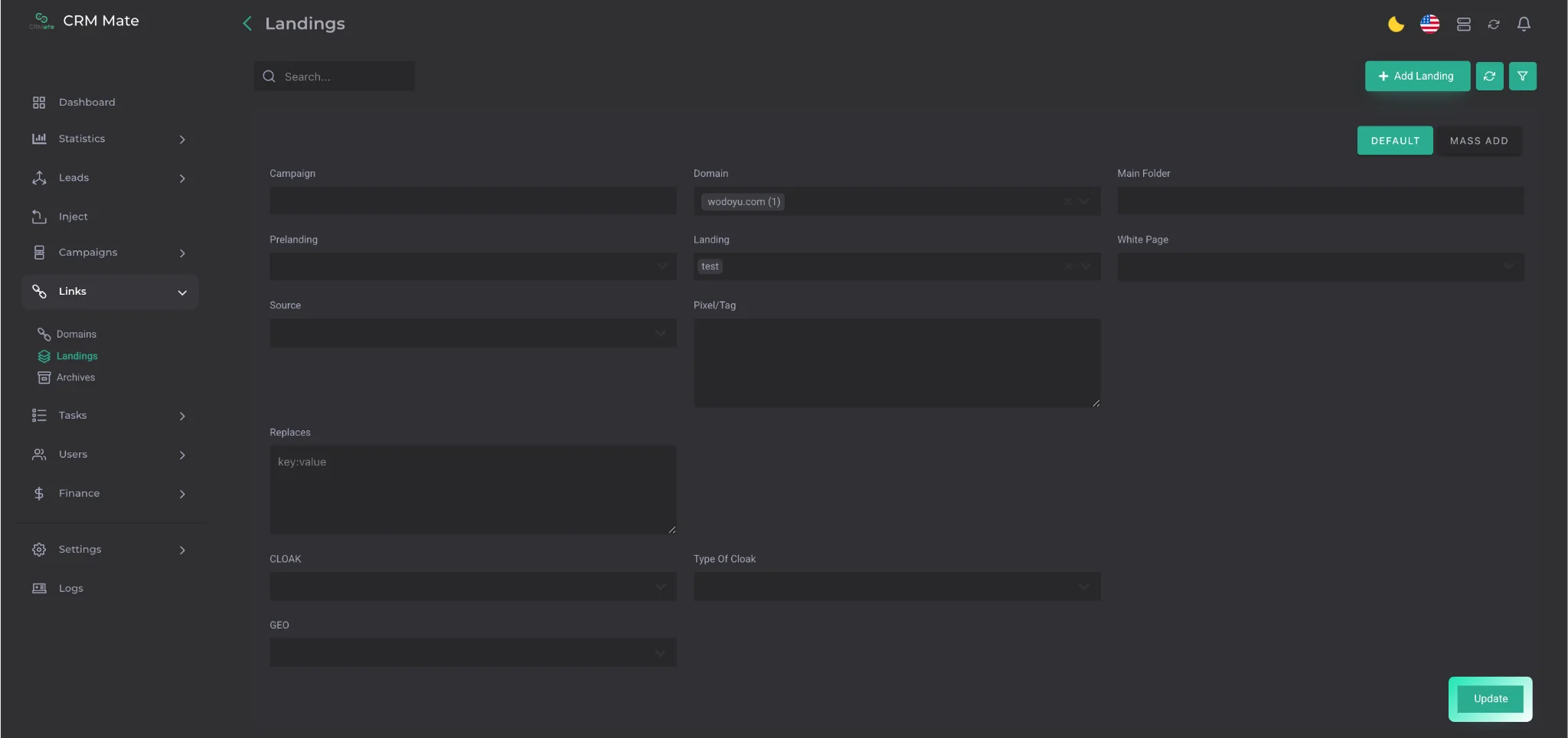
Through the Mass Add tab, several domains can be assigned to one landing.
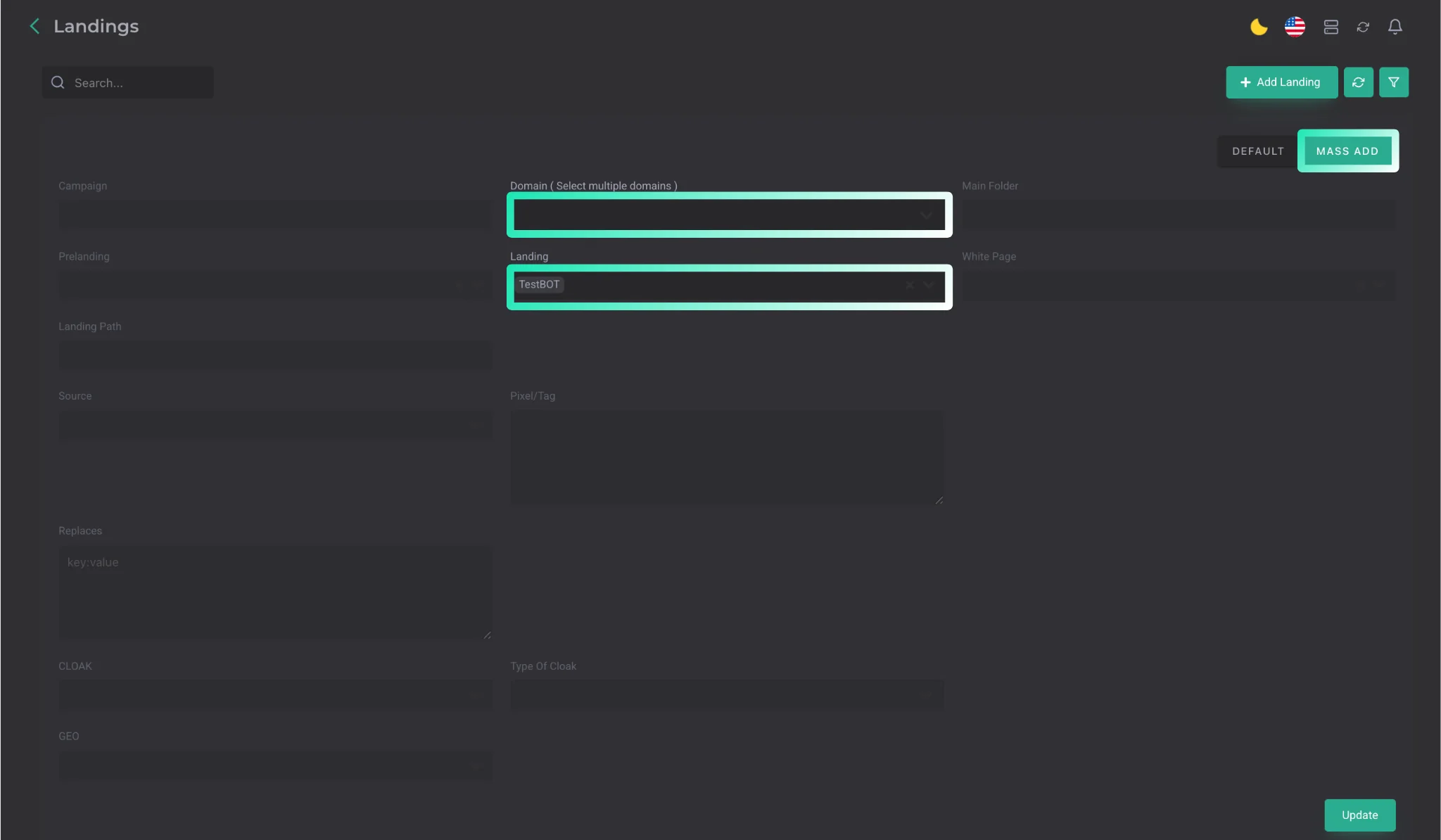
❗️Important: first, you need to select the landing, and only after that — the domains. This must be done in exactly this sequence.
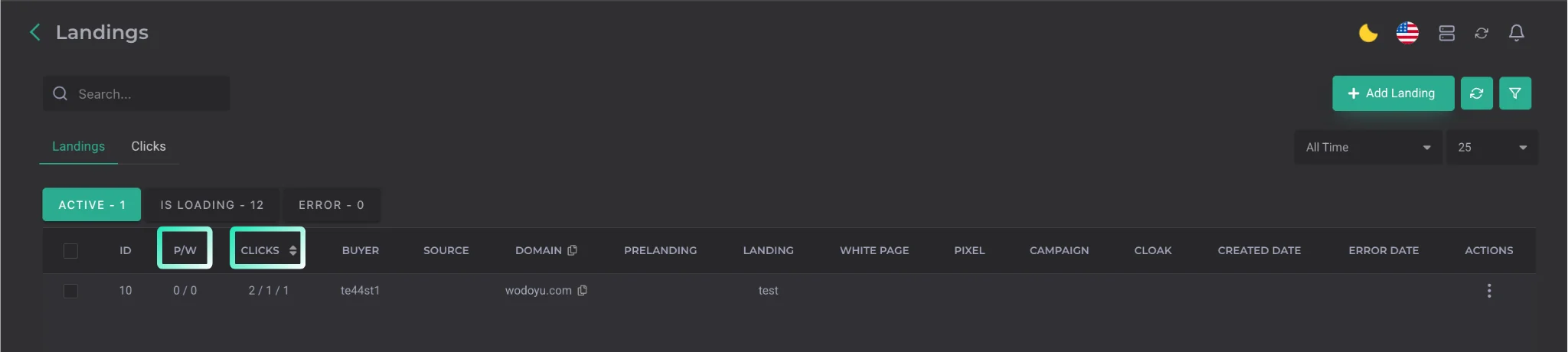
Important columns in the Landings tab:
- P/W — where P means the prelanding with which the landing is launched, and W means the white page used for this landing;
- Clicks — contains three indicators:
- the total number of clicks on the black page;
- unique clicks on the black page;
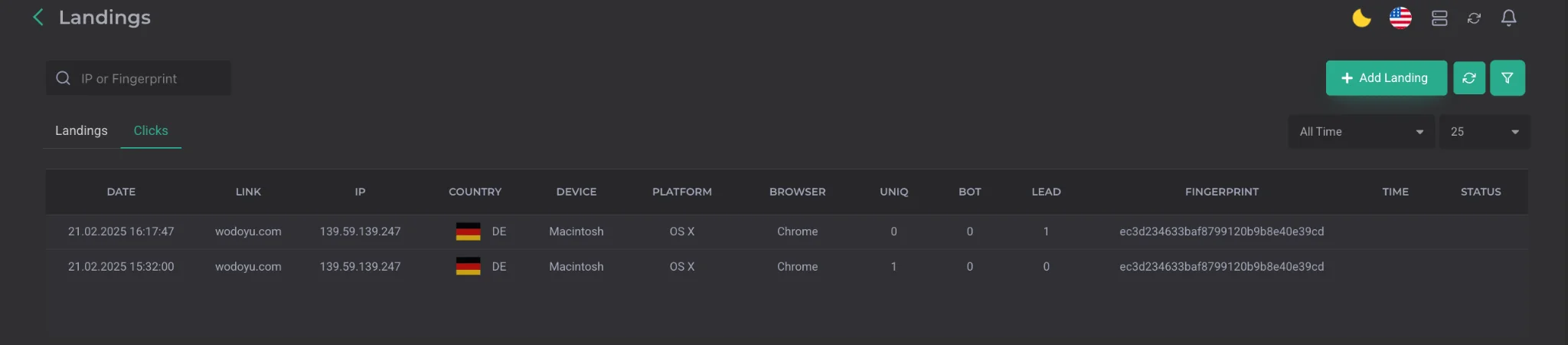
- the number of leads on the black page. The Clicks tab contains extended click statistics with a large number of parameters and filters. This makes it possible to analyze data from different angles and always see the full picture of the traffic.