
New lead
Manually sending a lead to CRM Mate.
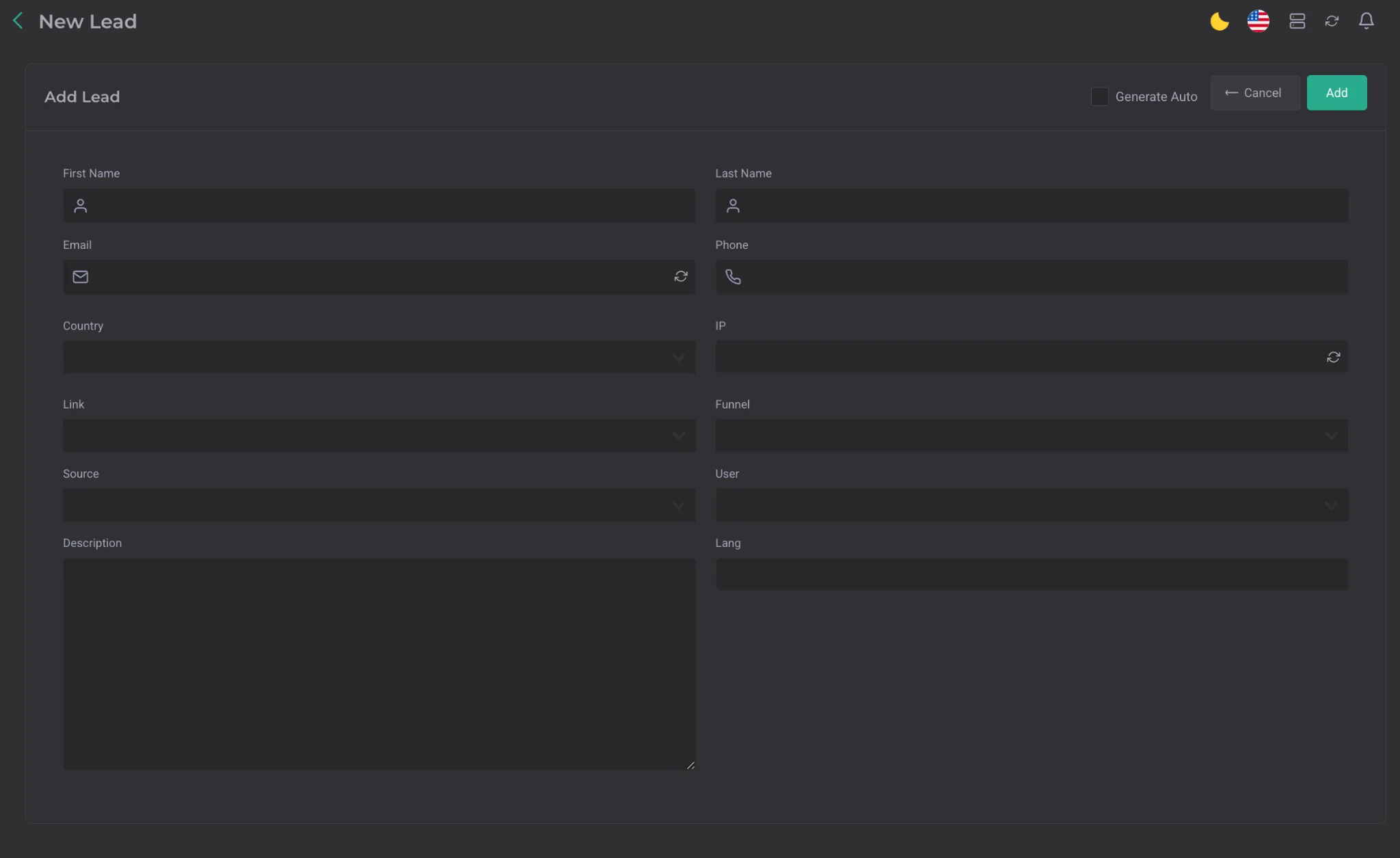
This section is used for manually sending a lead, for example when using a lead form or in cases where the lead information was received outside the CRM.
The form collects the main lead parameters. Some data can be entered manually, and some can be selected from a list of values already existing in the CRM.
The following data can be specified for a lead:
- First name
- Last name
- Phone
- Country
- IP

One-click auto-generation is available for the IP field. The IP is generated based on the country specified in the lead.
- Link
- Funnel
- Source
- User
- Description
- Lang
- Campaign
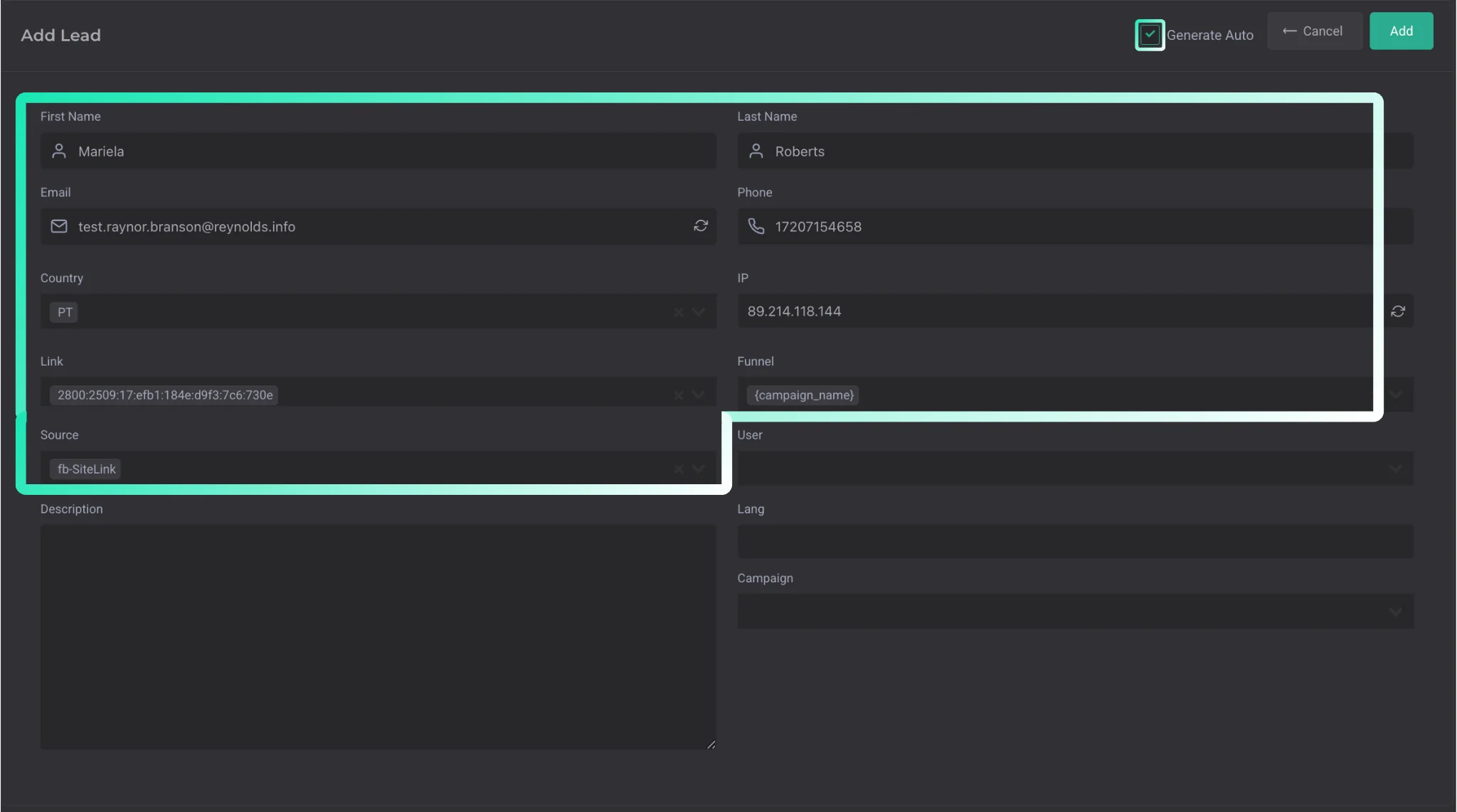
When auto-generation is selected, the system automatically fills in most of the main parameters, except for the following:
| Parameter | Description |
|---|---|
| User | the user on whose behalf the lead is sent |
| Lang | lead language |
| Campaign | the campaign to which the test lead will be sent. |
Important: the Campaign field only appears if the lead matches all parameters for sending to a campaign.

If the selected GEO is in the pool of countries for which proxies have been purchased, an additional option will appear in the form — a checkbox for sending the lead with autologin.