
Teams
Teams for statistics and financial calculations.
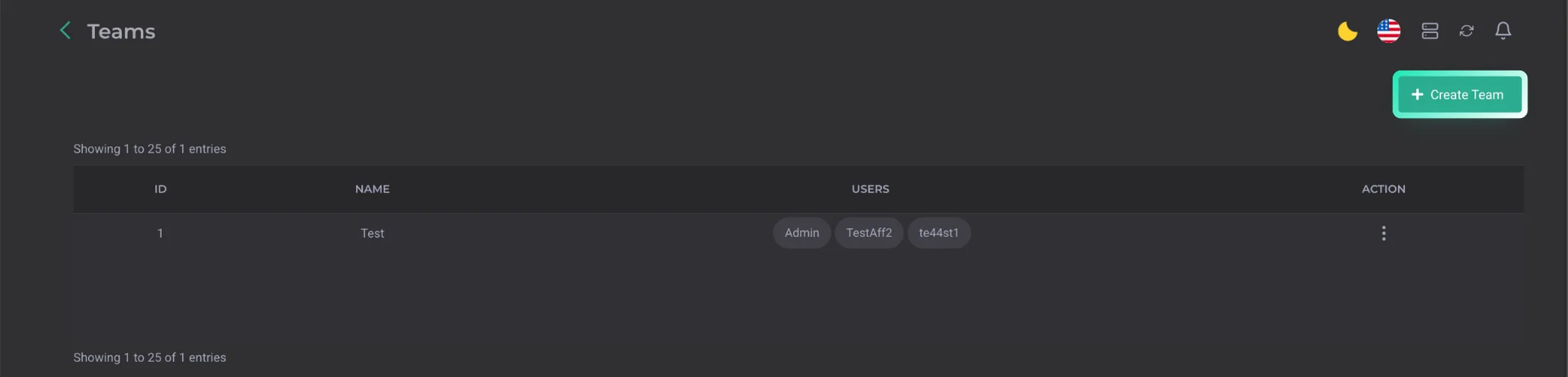
The Teams section is designed for building teams from specific users for statistical and financial purposes. To create a team, click the Create Team button at the top of the page.
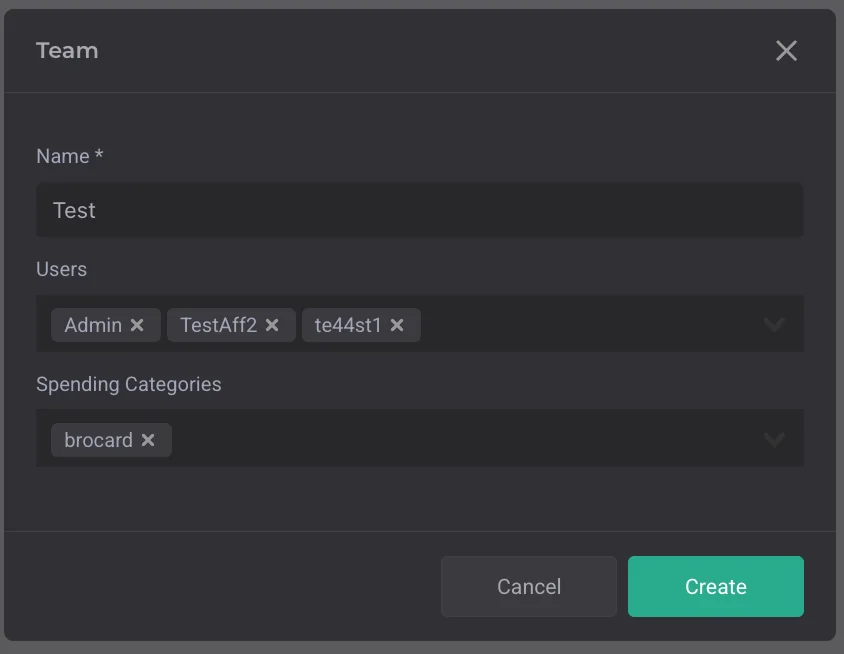
When creating a team, you need to specify its name, select participating users, and add expense categories. You can configure expenses separately: create multiple options and use them when entering expenses. After that, expenses can be entered on behalf of the team. This is typically used in cases where the expense relates not to a specific user but to the entire team.